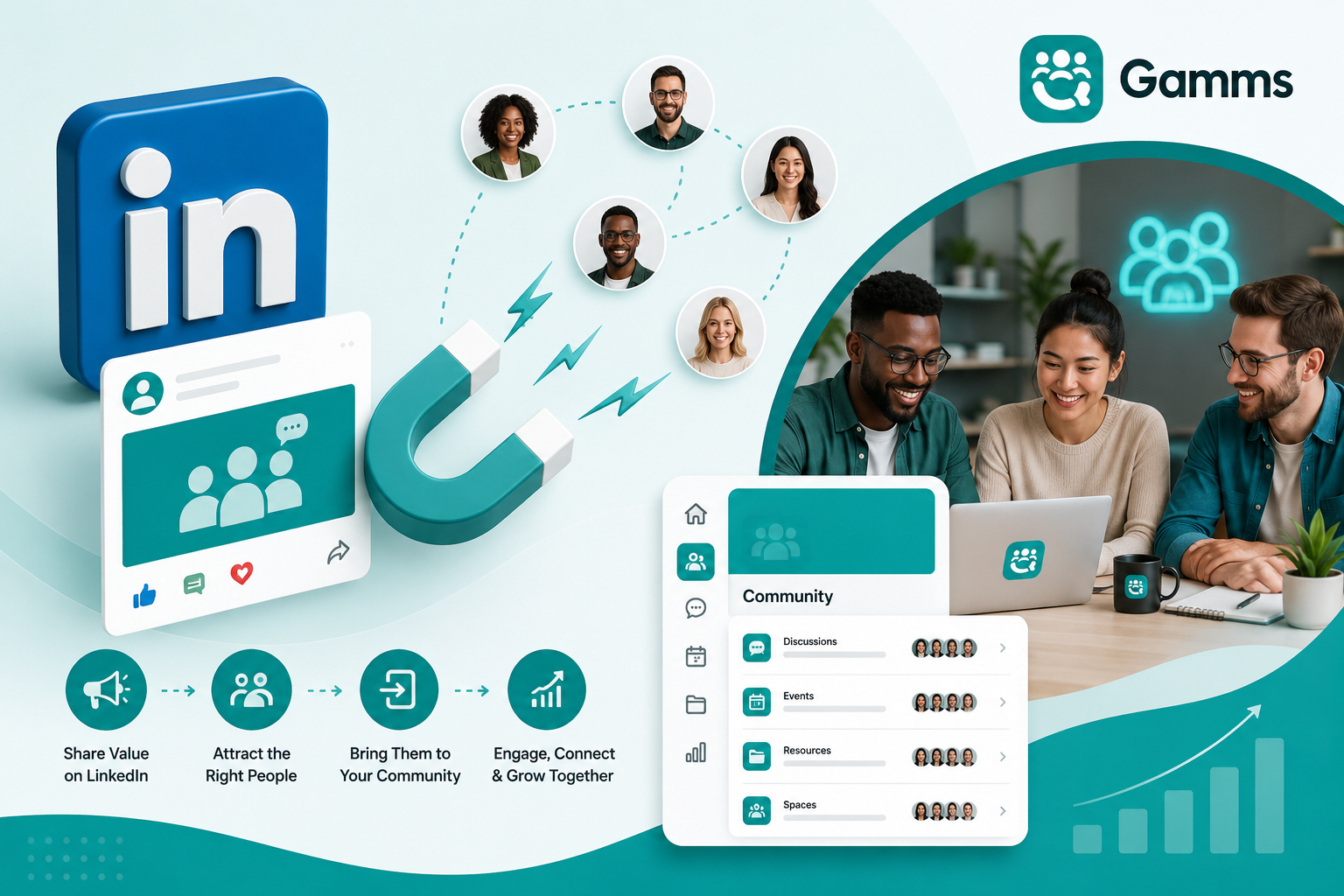
How to Use LinkedIn to Grow Your Community
Discover a proven step-by-step strategy to use LinkedIn to grow your community. Learn how top community builders attract members on LinkedIn and seamlessly move them into Gamms — the all-in-one platform for discussions, Spaces, events, monetization, and member management.
LinkedIn has become the most powerful platform for growing professional, niche, and paid communities. With over 1 billion users, it offers unmatched access to decision-makers, creators, entrepreneurs, and industry professionals.
However, most people make one critical mistake: they try to build their entire community on LinkedIn instead of using it as a growth engine to fuel a dedicated community platform.
The winning formula in 2025 is clear:
Use LinkedIn to attract and build trust → Move members into Gamms where you can create real engagement, meaningful conversations, events, and revenue without algorithm changes or platform restrictions.
In this article, you’ll learn exactly how to use LinkedIn to grow your community and how Gamms serves as the perfect home to manage, engage, monetize, and scale it successfully.
Why LinkedIn is the Best Platform to Grow Your Community
LinkedIn excels at three things communities need:
High-intent professionals actively seeking knowledge and connection
Built-in targeting by industry, job title, seniority, and interests
Strong content distribution for educational and thought-leadership posts
Yet LinkedIn is not built for long-term community. Conversations get buried, members are scattered, and you don’t own the relationship. That’s where Gamms becomes essential.
Gamms is an all-in-one community platform that gives you Discussions, Spaces, Events, Member Management, Monetization, Creative Hubs, and more — all in one clean, branded experience.
Step-by-Step: How to Use LinkedIn to Grow Your Community with Gamms
1. Optimize Your LinkedIn Profile as a Community Gateway
Use a clear banner that says “Join My Community” with a link to your Gamms community.
Turn on Creator Mode and set “Community Builder” or your niche as your headline.
In the Featured section, pin a link to your main Gamms Space or a welcome landing page.
2. Create a Content Flywheel on LinkedIn
Post consistently using these formats that drive community growth:
Educational carousels and threads
Polls that spark discussion
Behind-the-scenes insights
Event invitations (promoting Gamms events)
Member spotlights and success stories from your Gamms community
3. Use LinkedIn to Drive Targeted Invites
Send personalized connection requests mentioning your community.
Share exclusive content in your Gamms Spaces (e.g., a private discussion or upcoming workshop) and tease it on LinkedIn.
Run LinkedIn Events that funnel directly into Gamms events.
4. Convert LinkedIn Connections into Gamms Members
Once someone shows interest:
Invite them to a specific Space inside Gamms (VIP rooms, Learning Hubs, Product Hubs, or niche cohorts).
Use Gamms’ Forms for seamless onboarding and member applications.
Automatically welcome new members with rich resources, welcome discussions, and clear community guidelines.
How to Manage and Scale Your Community Using Gamms
After bringing members from LinkedIn, Gamms becomes your central operating system. Here’s how the platform helps you succeed:
Spaces: Create private sub-groups for your inner circle, masterminds, paid cohorts, or departments. Perfect for turning LinkedIn connections into high-value members.
Discussions: Enable deep, searchable conversations with rich text editor, @mentions, notifications, polls, and reactions — far better than LinkedIn comments.
Events: Host virtual, hybrid, or in-person events with built-in RSVPs, ticketing, and payments. Promote these events on LinkedIn to fill them quickly.
Creative Hubs & Learning Hubs: Deliver courses, resources, and workshops in one organized place instead of scattering links across LinkedIn DMs.
Monetization Tools: Sell memberships, courses, digital products, and services with zero platform commissions. Turn your LinkedIn audience into recurring revenue.
Member Management & Finance Management: Onboard, organize, and collect dues effortlessly. Scale from 10 to 100,000 members without chaos.
Spotlights & Governance: Highlight top contributors and run transparent elections or community projects.
With Gamms, everything your community needs lives in one platform — eliminating tool sprawl and letting you focus on growth and engagement.
Conclusion
LinkedIn is one of the best platforms to attract community members, but Gamms is where you build, engage, and monetize them effectively.
By using LinkedIn as your acquisition engine and Gamms as your dedicated community home, you create a powerful, scalable system that grows with you — from 10 members all the way to 100,000.
Stop fighting the algorithm. Start building a community that truly belongs to you.
Ready to get started?
More reads
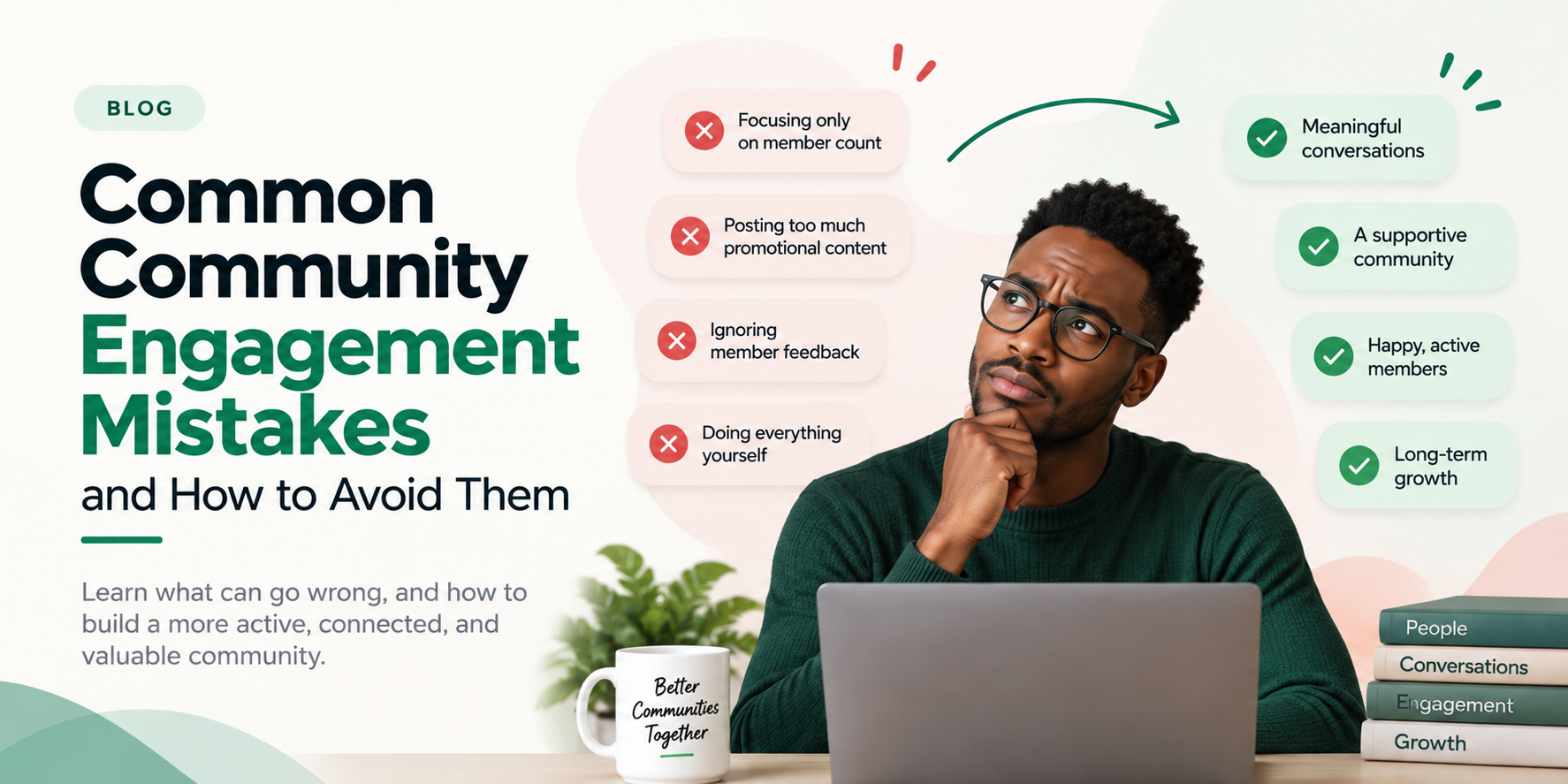
Common Community Engagement Mistakes and How to Avoid Them
Discover the most common community engagement mistakes and learn practical ways to build a more active, connected, and valuable community.
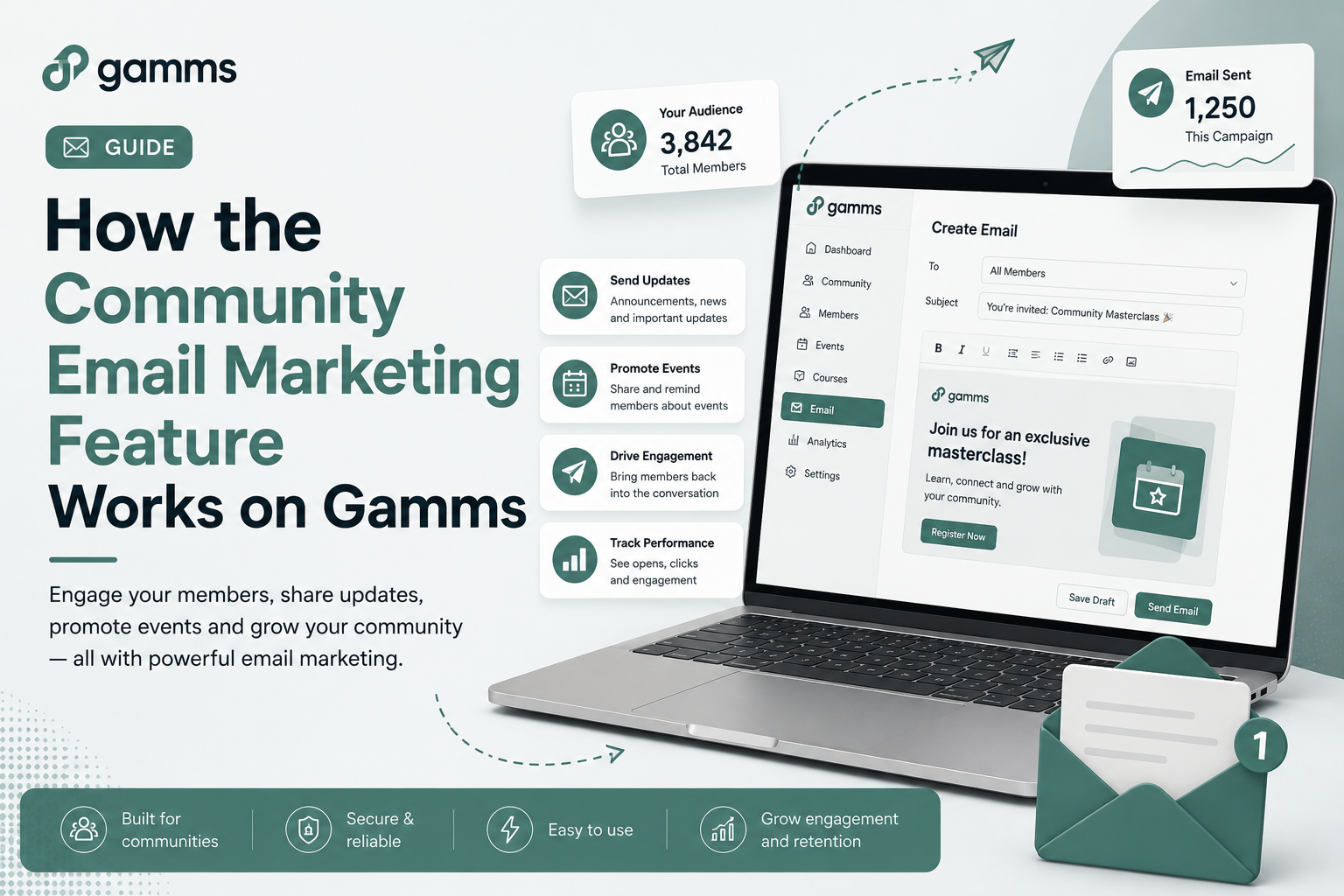
How the Community Email Marketing Feature Works on Gamms
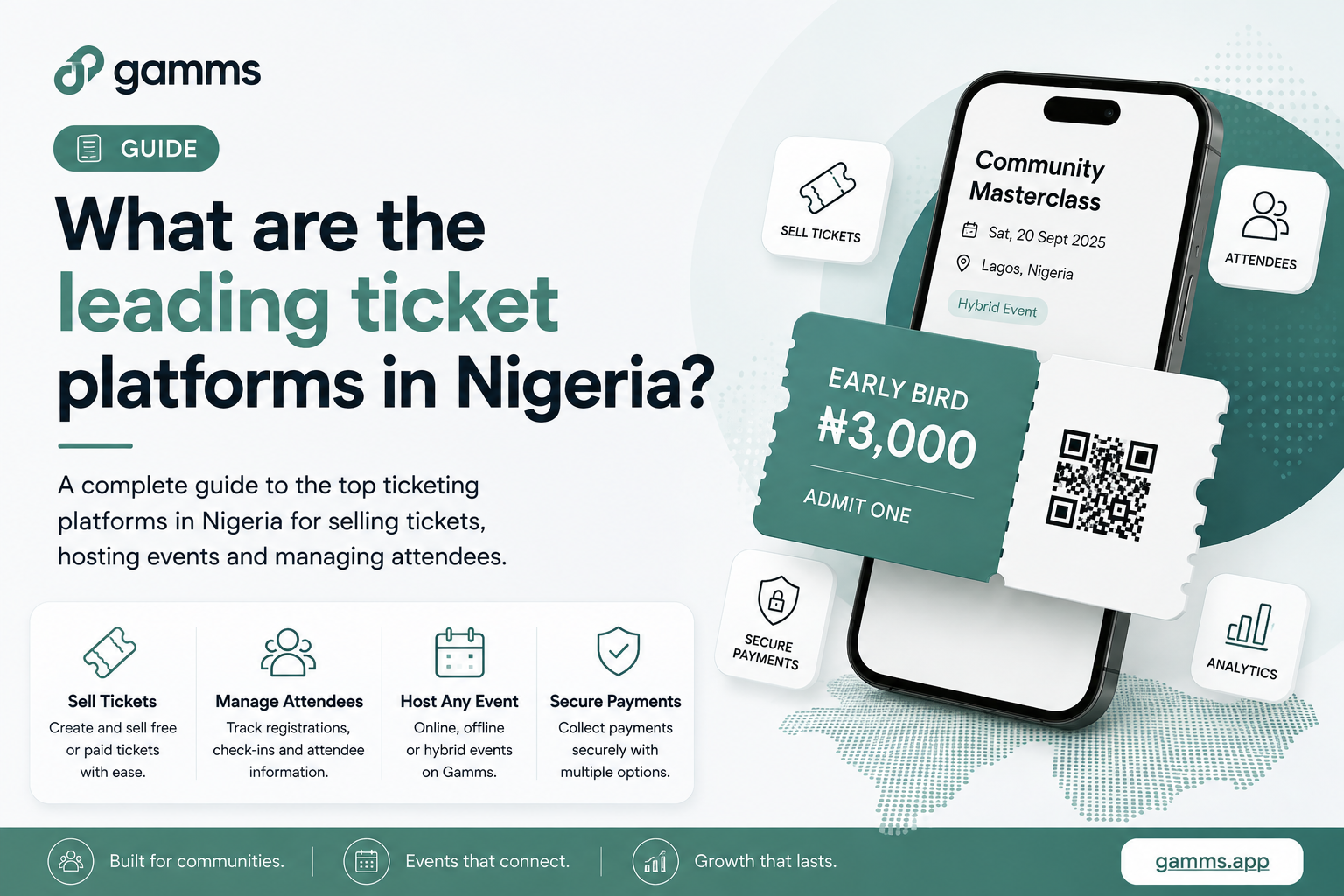
What are the leading ticket platforms in Nigeria?
Looking for the best ticketing platform in Nigeria? Here are five platforms to consider for selling tickets, managing attendees, and hosting successful events from community meetups to large-scale events