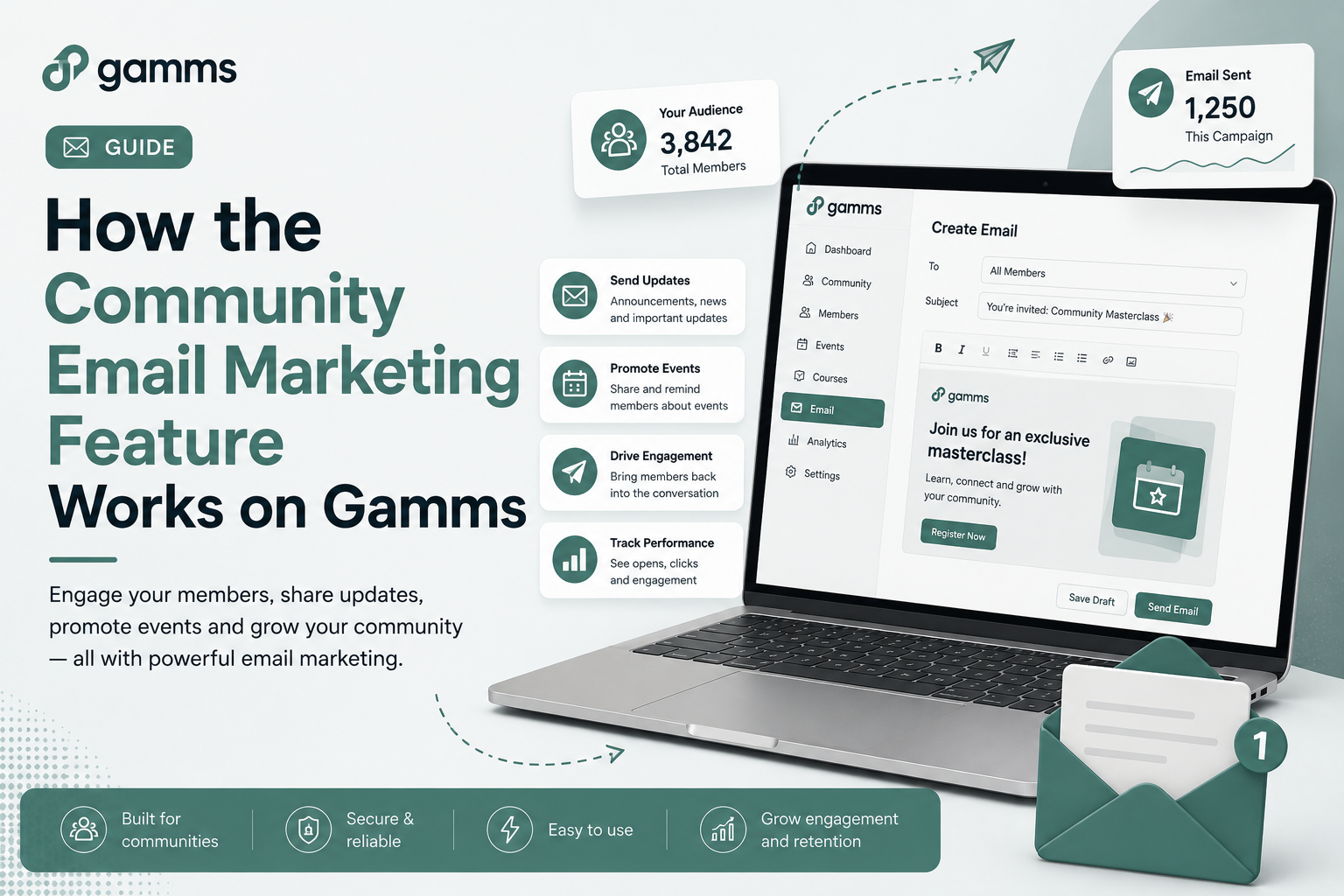
How the Community Email Marketing Feature Works on Gamms
As a community builder, one of the most important things you can prioritize is having a simple and reliable way to stay connected with your members beyond the community feed.
Constantly engaging your community members is a way to keep the community engaged and build a long-lasting relationship beyond community feeds
The right community email marketing tool can help you save time, keep members informed, strengthen engagement, and bring people back into your community. Gamms’ community email feature is designed to help community builders do exactly that.
With Gamms, you can use email to share important community updates, promote events, introduce new content and resources, and keep members connected to what’s happening inside your community.
In this article, we'll take you through how community email marketing works on Gamms and how you can use it to keep your members engaged.
How to send email to community members
On Gamms, as a community owner or admin, you can send emails to your community members.
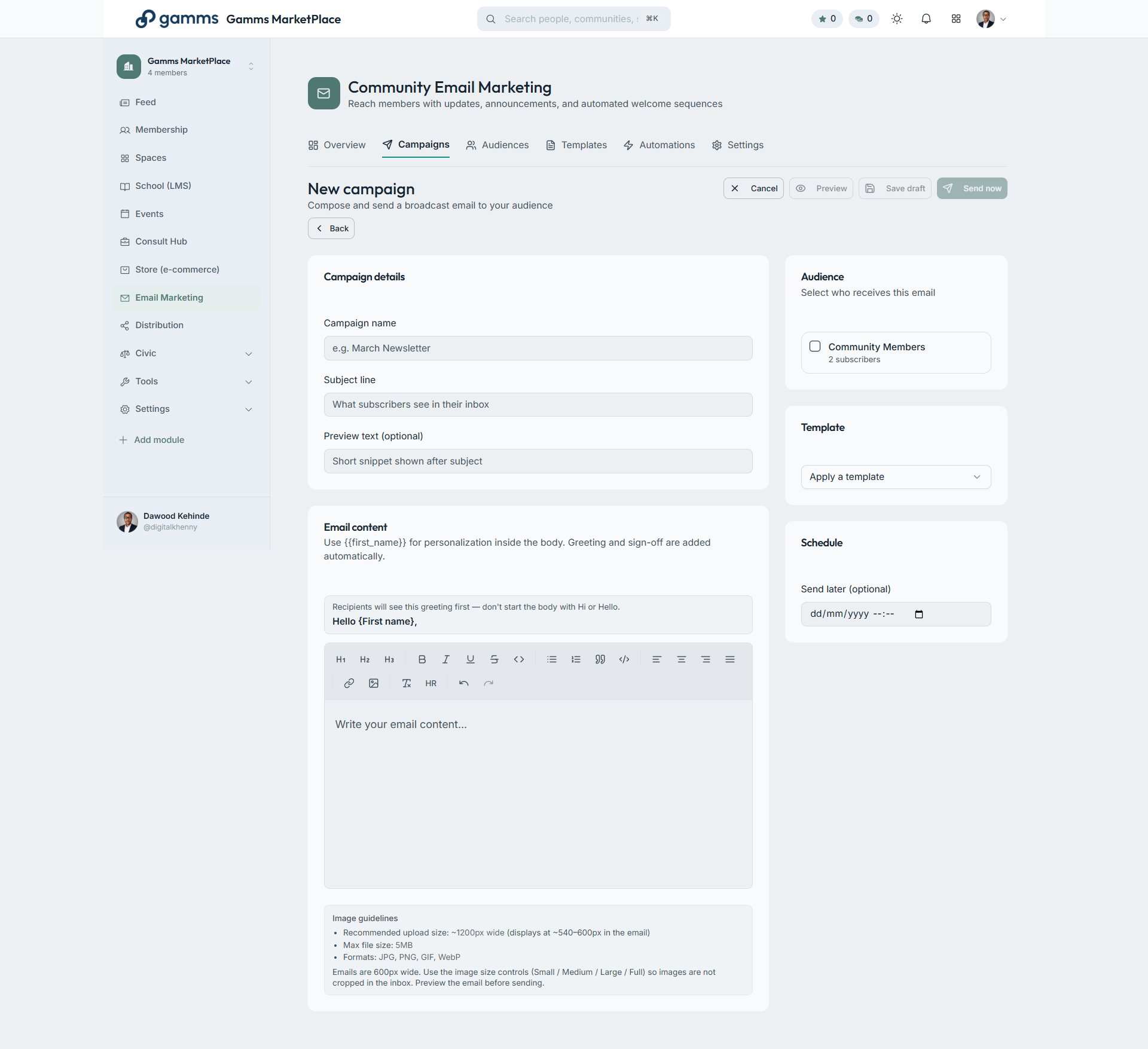
On your community dashboard panel, under Tools, click on email marketing.
Click on campaign and new campaign
Fill in all the necessary information (Campaign name, Subject line, Email content)
Select recipient(community members)
Select the date and time to send the email
Conclusion
Finally, you can now engage your community members via email without needing to subscribe to any other email marketing tools
Ready to start engaging your community members the right way? Click here to start using this feature to drive engagement.
More reads
Community Manager Skills: 5 Skills You Need to Succeed
Learn the skills you actually need to become a successful Community Manager
How to Become a Community Manager: A Complete Guide
Learn how to become a community manager, the skills you need, how to gain experience and how a community management course can help you start your career.
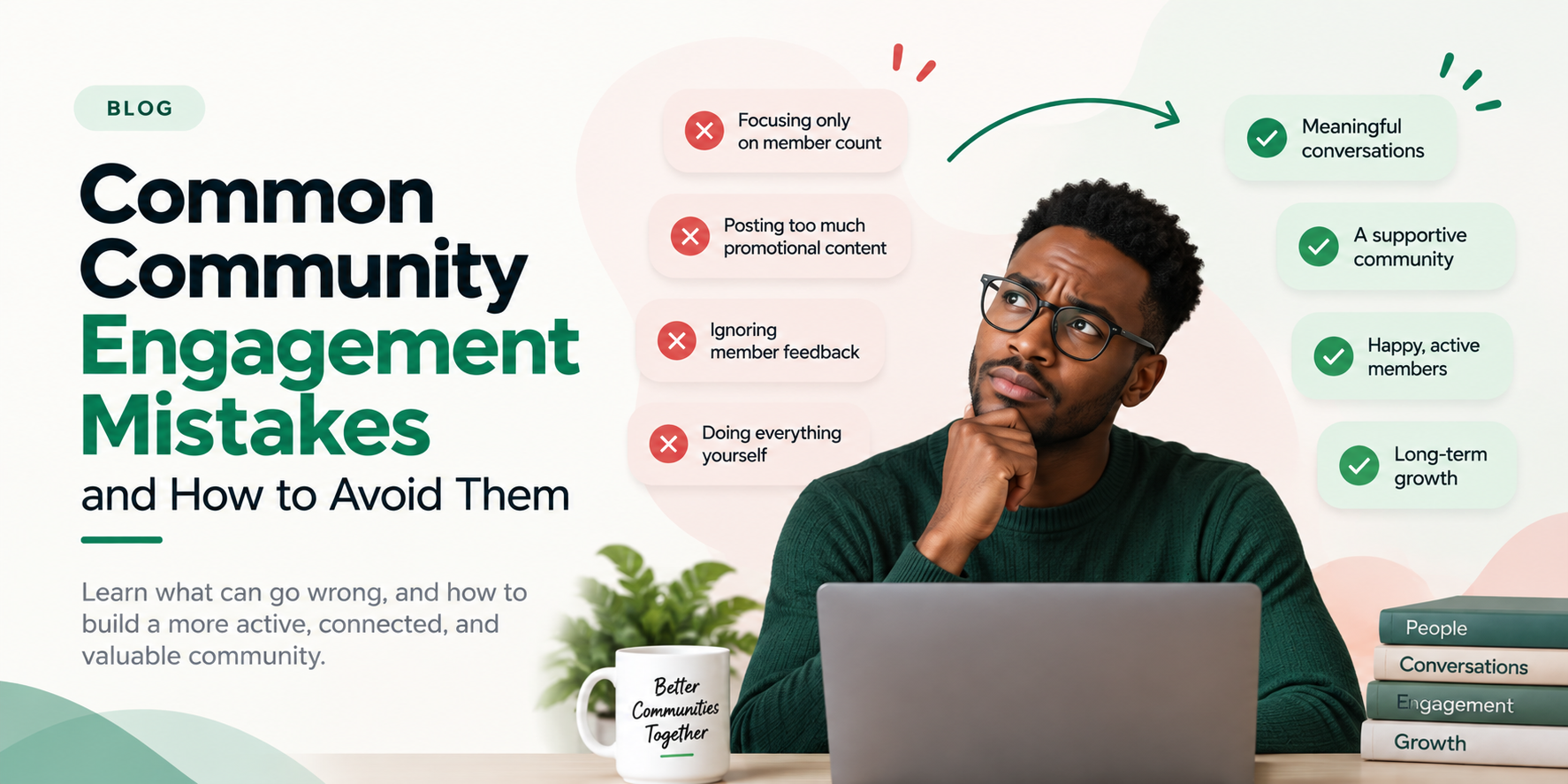
Common Community Engagement Mistakes and How to Avoid Them
Discover the most common community engagement mistakes and learn practical ways to build a more active, connected, and valuable community.