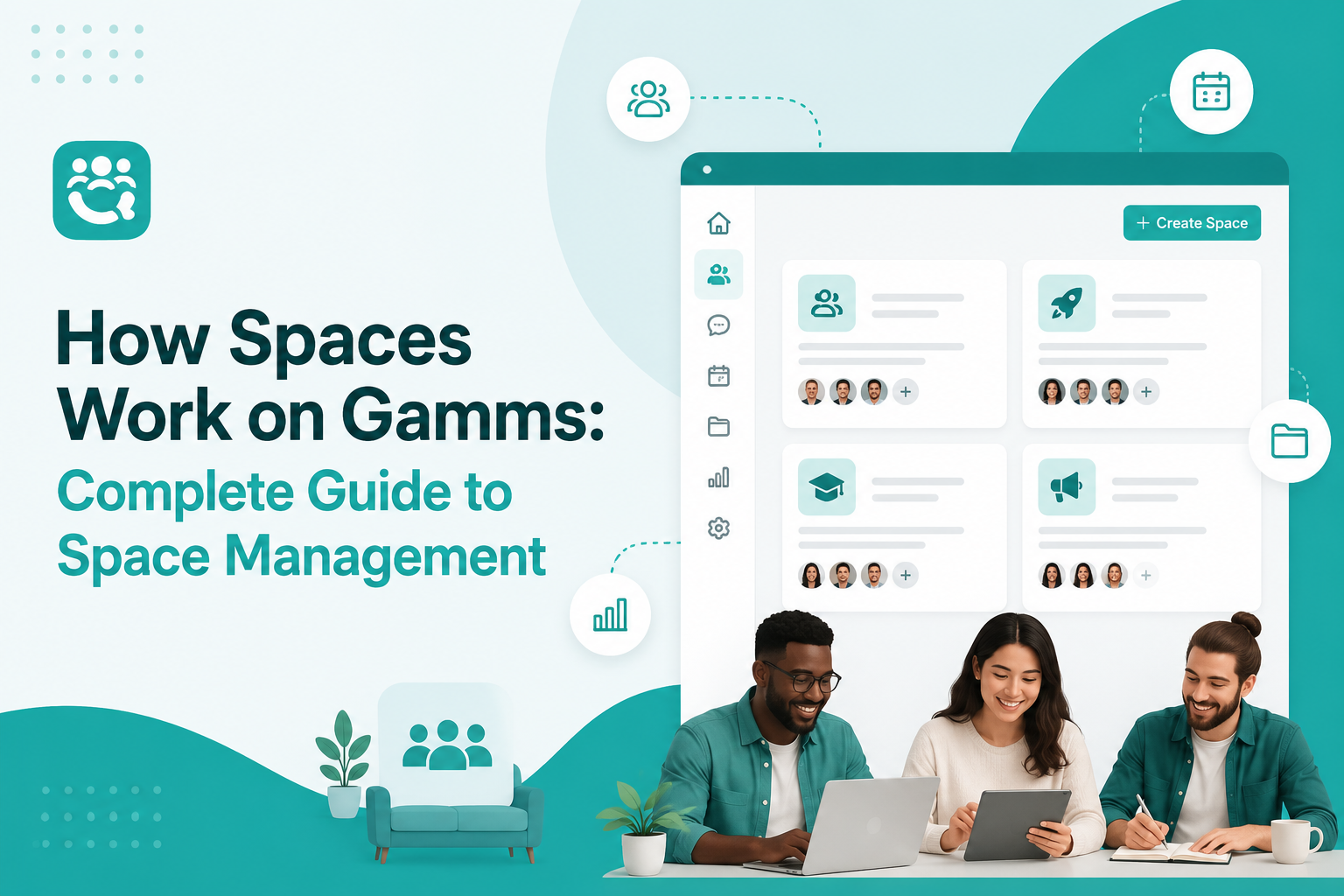
How Spaces Work on Gamms: Complete Guide to Space Management
Learn exactly how Spaces work on Gamms. This ultimate guide shows you how to create, configure, manage, monetize, and grow dedicated collaboration spaces for teams, departments, and communities to boost engagement and revenue.
In any growing community or organisation, chaos is the enemy of engagement. When everyone talks about everything in one place, important conversations get buried, and members feel overwhelmed.
What if you had a dedicated space for dedicated conversion or community members?
Gamms space is a dedicated, focused environment inside your Gamms community for a specific team, department, project, topic, or paid membership group. Think of it as a private or public sub-community with its own members, discussions, meetings, resources, and even its own monetization.
Whether you want to organize departments, run masterminds, offer premium content, or create niche interest groups, Spaces are the most powerful organization and monetization tool on Gamms.
In this complete guide, you’ll learn exactly how Spaces work on Gamms, step-by-step, with best practices to maximize adoption and results.
What Are Spaces on Gamms?
Spaces on Gamms are self-contained collaboration hubs that allow you to segment your community by purpose. Each Space can function almost like its own mini-community with:
Unique membership
Dedicated discussions
Private or public visibility
Resource library
Meetings & events
Custom permissions
Monetization options (Paid Spaces)
Instead of one giant feed, you create focused environments where the right people have the right conversations.
Why Use Spaces on Gamms?
Organizations and community builders use Spaces for four main reasons:
Focus & Relevance: Create dedicated environments for different teams, projects, or topics.
Organization: Keep conversations and resources organized and easily accessible.
Reduced Noise: Only relevant members participate in discussions and meetings.
Access Control & Monetization: Control access through private spaces and subscription-based paid spaces.
How to Create a New Space on Gamms
Creating a Space is very simple:
Click “Create Space” from your Gamms dashboard.
Choose the visibility:
Public — Any member in your organization can join and see content.
Private — Invitation-only (most popular for teams and paid groups).
Paid — Members pay a subscription fee to access.
Set the name, description, cover image, and member limits.
How to Configure Space Settings
After creation, configure your Space properly:
Set a compelling space name and description
Add a high-quality cover image
Define member limits (especially important for paid spaces)
For paid spaces: Configure pricing, billing cycles, and payment settings
Managing Space Members
Effective member management is critical for healthy Spaces:
Add members manually or via invitation
Promote members to Admin roles
Suspend or remove members when necessary
Use the Members Management tab to oversee everyone in one place
This keeps conversations highly relevant and easy to follow.
Organizing Meetings and Events
Each Space has a dedicated Meetings tab where you can:
Schedule one-time or recurring meetings
Manage attendee lists
Coordinate team activities
Sharing Resources with Members
One of the most powerful features is the Resources tab.
You can:
Upload PDFs, guides, templates, and recordings
Publish them so only active space members can access and download
Keep all important materials in one organized place
Monitoring Space Activity
Success requires measurement. Gamms provides an Overview tab where you can track:
Member engagement levels
Discussion activity
Overall space statistics
Handling Payments and Subscriptions (Paid Spaces)
For Paid Spaces, Gamms offers full monetization capabilities:
Monitor payment records
Track subscription status
Manage billing in the Payment Records tab.
Customizing Space Permissions
Advanced control is available through permission settings:
Control who can view, join, or manage the space
Set auto-approval rules for private spaces
Configure different member roles
Best Practices for Gamms Spaces
To get maximum results from Spaces, follow these proven practices:
Use clear, descriptive names that communicate value
Write detailed space descriptions with guidelines and expectations
Monitor activity regularly and moderate discussions
Choose Public vs Private based on content sensitivity
Set reasonable member limits
Archive inactive spaces and remove inactive members
Regularly update resources and run events
Public vs Private vs Paid Spaces on Gamms
Type | Who Can Join | Who Can See Content | Best For | Monetization |
Public | Any member in the organization | Anyone in the organization | Company-wide updates, open groups | No |
Private | Only invited members | Only invited members | Teams, departments, masterminds | Optional |
Paid | Members who pay subscription | Only paying members | Premium content, coaching, VIP groups | Yes |
Frequently Asked Questions
What is a Space on Gamms?
A Space is a dedicated collaboration environment within your Gamms community for specific teams, topics, or paid groups.
Can I make money with Spaces on Gamms?
Yes. You can create Paid Spaces where members pay recurring subscriptions to access premium content, masterminds, or exclusive communities.
How many discussion groups can I create inside a Space?
You can create up to 5 discussion groups per Space (subject to your organization plan).
Are Private Spaces searchable?
No. Only invited members can find and access Private Spaces.
Can I change a Space from Free to Paid later?
Yes. You can adjust settings and implement payments on existing Spaces.
More reads
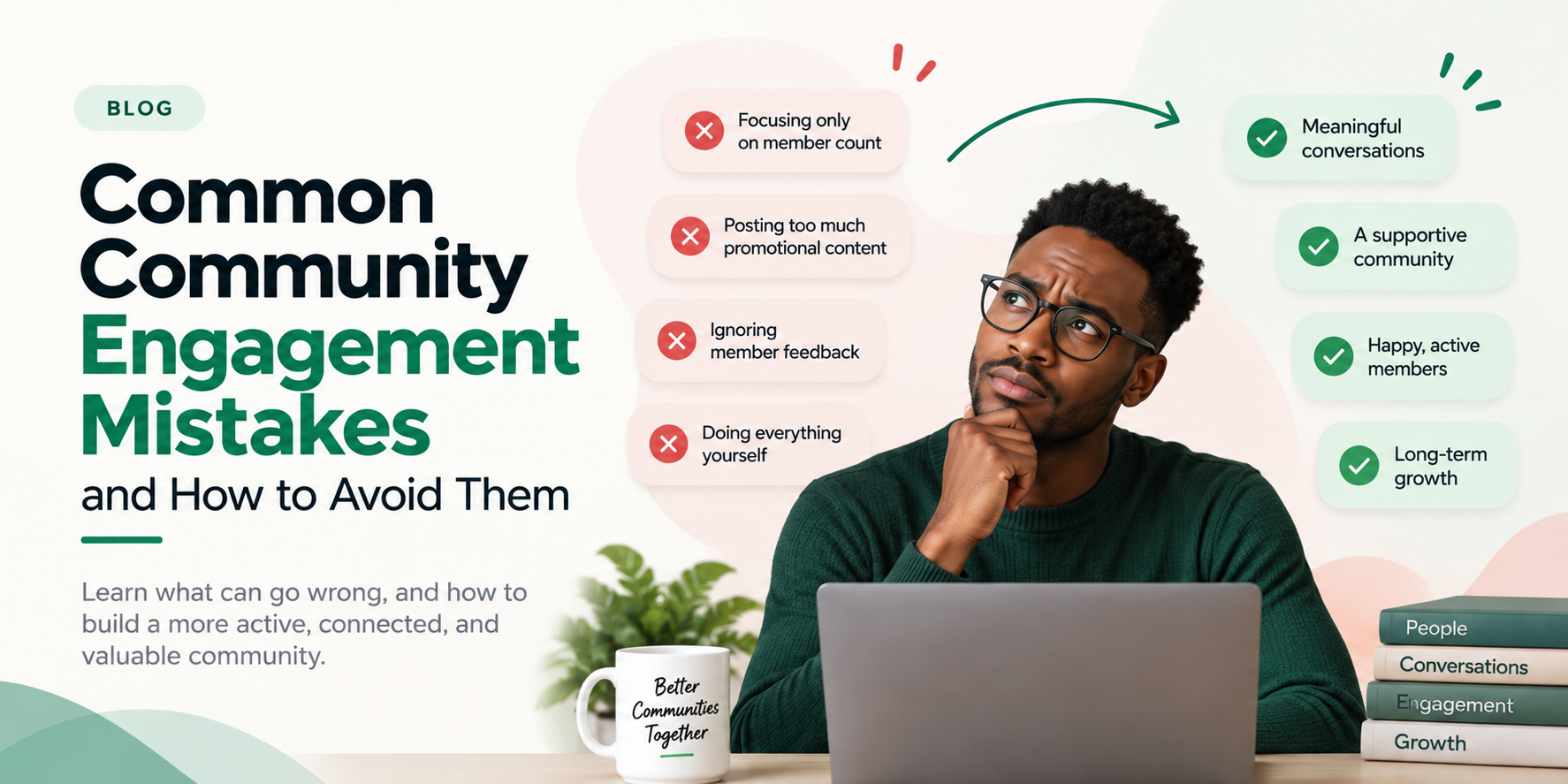
Common Community Engagement Mistakes and How to Avoid Them
Discover the most common community engagement mistakes and learn practical ways to build a more active, connected, and valuable community.
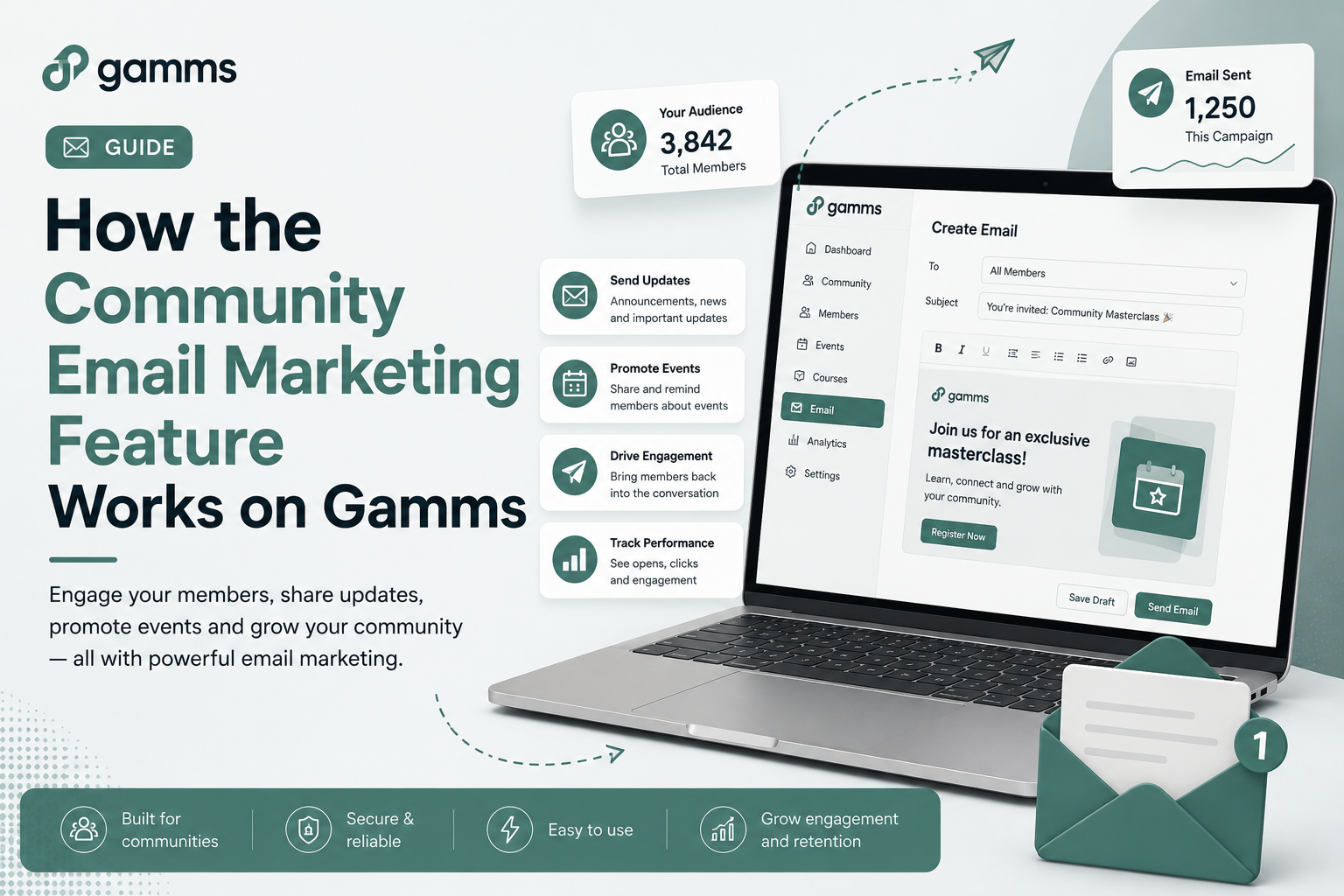
How the Community Email Marketing Feature Works on Gamms

What are the leading ticket platforms in Nigeria?
Looking for the best ticketing platform in Nigeria? Here are five platforms to consider for selling tickets, managing attendees, and hosting successful events from community meetups to large-scale events